
Clip your DJ set.
Paste a link to the finished set or upload the video. Setclipper finds the drops and cuts each one into a clip. Turn the ones you like into vertical reels (see pricing for plans).
You see the price before you press Process. Free-trial clips carry a watermark.
Three steps. No editor.
Add your set
A YouTube or Google Drive link, or the video file.
Check the price
It is worked out from the length of your set and shown before you start.
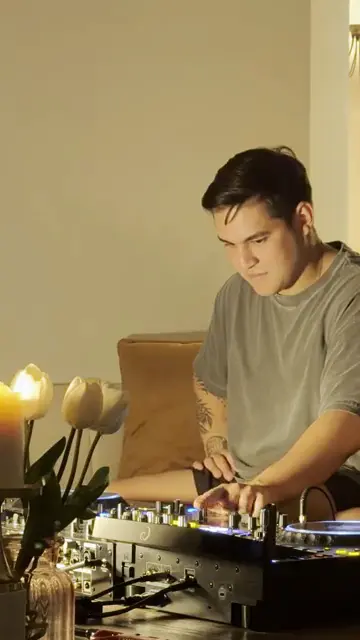
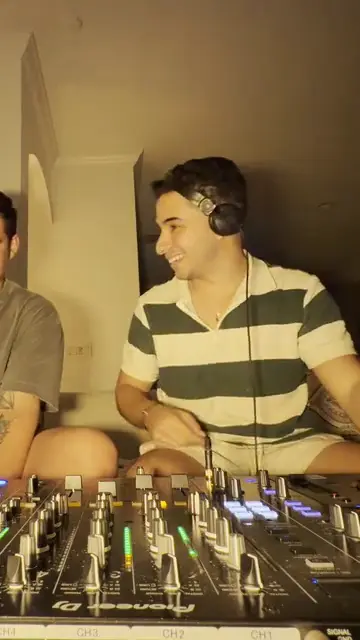
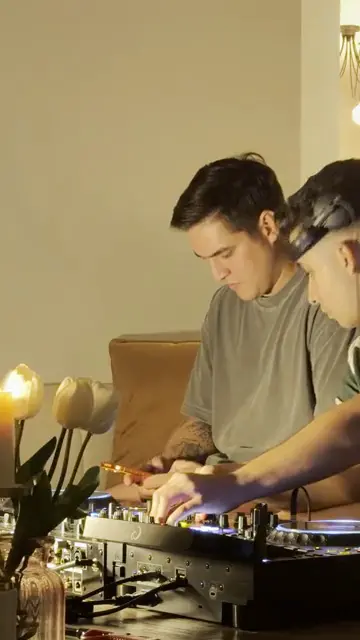
Pick and download
Clips appear as they are cut. Download them. Vertical 9:16 reels depend on your plan; see pricing for plans.
What the web clipper does
Setclipper's web clipper turns a finished DJ set into drop clips. It works from a YouTube link, a Google Drive link, or an uploaded video file. It finds the drops, cuts a clip around each one, and shows each clip as soon as it is cut so you can pick the ones to keep.
Who it is for
- DJs who have a recorded set and want clips for Reels, Shorts and TikTok.
- Crews and promoters posting from the same set.
- Anyone with a long set video who wants the best moments without scrubbing through it.
Raw footage from several cameras? That is the Mac editor: it syncs your cameras from the audio, builds a multicam timeline, cuts on the beat and exports timeline XML to DaVinci Resolve, Premiere Pro and Final Cut Pro (try a short project first). XML export is available in the Mac editor, see pricing for plans.
New to clipping sets? Read How to clip a DJ set.
Good to know
What does it cost?
Finding and cutting the drops uses 1 credit per started minute of your set. Vertical reels are priced separately and shown before you convert (see pricing for plans). Credit packs are $0.04 per credit, and every plan starts with a 7-day trial. Card required; renews automatically after the trial until you cancel.
Will it always show the DJ?
No. Wide shots can miss the DJ, so check each clip before you post it.
How long are my files kept?
Your source video is kept for 7 days. Finished clips are kept for 30 days. Download what you want to keep.
Have raw footage from several cameras?
Use the Mac editor instead. It builds the multicam edit for you.
Can I clip a DJ set from YouTube?
Yes. Paste a YouTube or Google Drive link, or upload the video file. Only use sets you have the right to use.
Does Setclipper find the drops for me?
Yes. It finds the drops and cuts each one into a clip. Check each clip before you post it.
Can I make vertical Reels?
Vertical 9:16 versions are available; see pricing for plans.
Is there a Mac app?
Yes. The Mac editor builds a multicam edit from several cameras. It needs an Apple Silicon Mac (M1 or newer) on macOS 14 or newer.